Learn how to use the Auth0 Actions Real-time Logs.
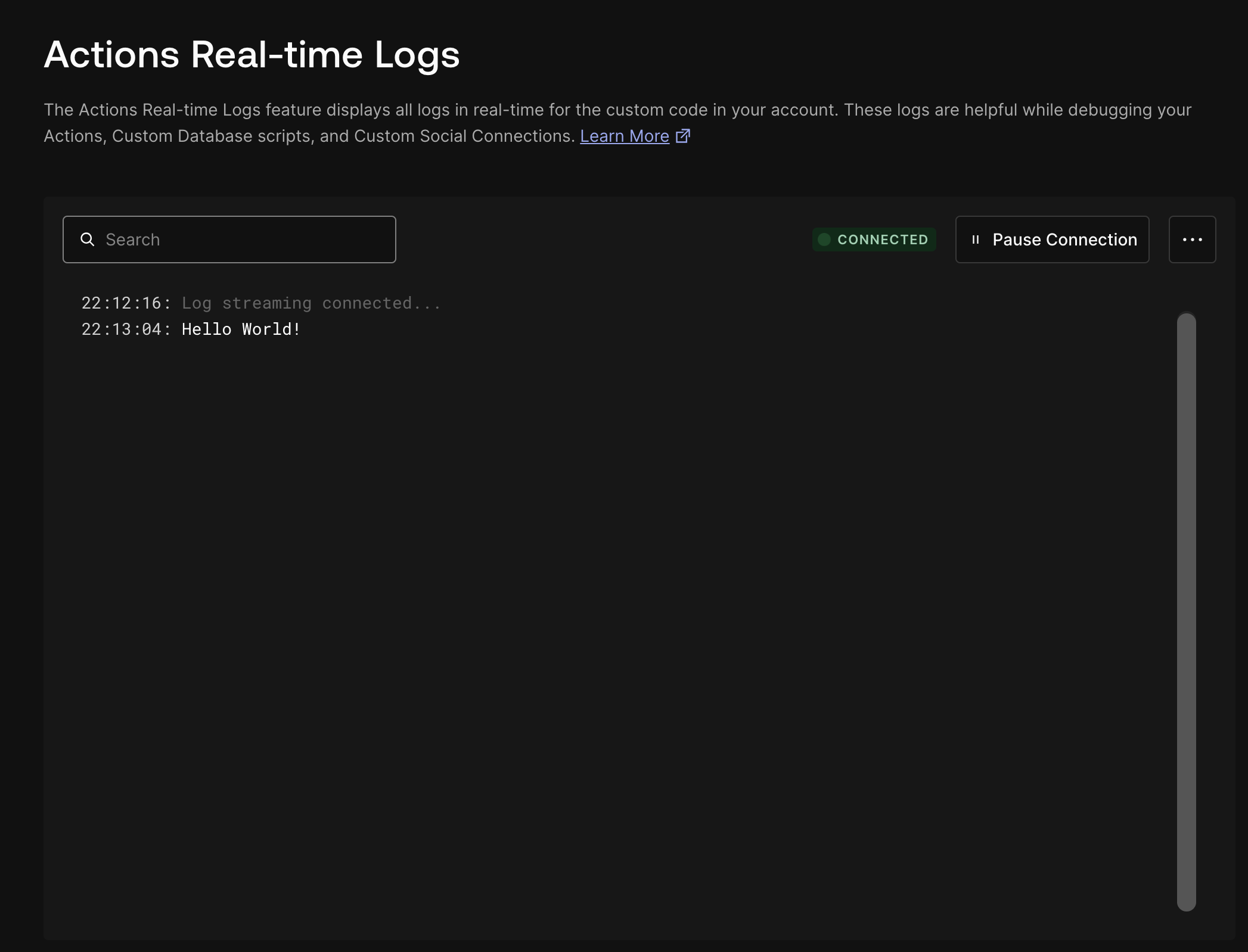
The Actions Real-time Logs feature displays all logs in real-time for the custom code in your account. This includes all console.log output and exceptions. These logs are helpful while debugging your Actions, Custom Database scripts, and Custom Social Connections.
When using the Actions Real-time Logs, be cautious about logging sensitive information. For example, the parameters functions received as an input for Actions, Custom Database Scripts, or Custom Social Connections, may contain explicit or implicit sensitive information. Logging complete objects may lead to the disclosure of sensitive information in the real-time logs.Auth0 strongly discourages such practices. We suggest that you be aware of the objects that you log and ensure sensitive information is not logged, as well as avoiding logging any kind of sensitive information explicitly.
The Actions Real-time logs panel allows you to monitor system activity as it happens. This provides live feedback on Actions executed through the dashboard, making it easier to identify issues, confirm successful operations, or simply observe system behavior in real-time. See below for a detailed list of the current functionality available in this feature.
Log entries are streamed live as they are generated by Actions. As each Action is executed, its corresponding log entry appears in the log panel automatically, with no need to refresh the page.
The top of the panel displays the current connection status between your browser and the log stream. This helps you confirm whether logs are actively being received. Common statuses include:
When new entries arrive and are out of view, a Scroll to bottom button appears in the log panel. Clicking this will jump you to the most recent log entry, ensuring you’re always up-to-date with the latest activity.
The following example describes how to create a generic Hello World Action, run it, and use the Actions Real-time Logs to see the results.
Follow the instructions to Write Your First Action to write a Post Login Action using the code example below:
Signaler un code incorrect
Copier
Demander à l'IA
/*** Handler that will be called during the execution of a PostLogin flow.** @param {Event} event - Details about the user and the context in which they are logging in.* @param {PostLoginAPI} api - Interface whose methods can be used to change the behavior of the login.*/exports.onExecutePostLogin = async (event, api) => { console.log('Hello World!');};/*** Handler that will be invoked when this action is resuming after an external redirect. If your* onExecutePostLogin function does not perform a redirect, this function can be safely ignored.** @param {Event} event - Details about the user and the context in which they are logging in.* @param {PostLoginAPI} api - Interface whose methods can be used to change the behavior of the login.*/// exports.onContinuePostLogin = async (event, api) => {// };